Viewing Call Details in The Observer℠
When you click  in the Action column on any call in the Call/Station List, The Observer℠ window displays the Call Details for the call you selected. This shows more detailed information about the call, as shown in the following example.
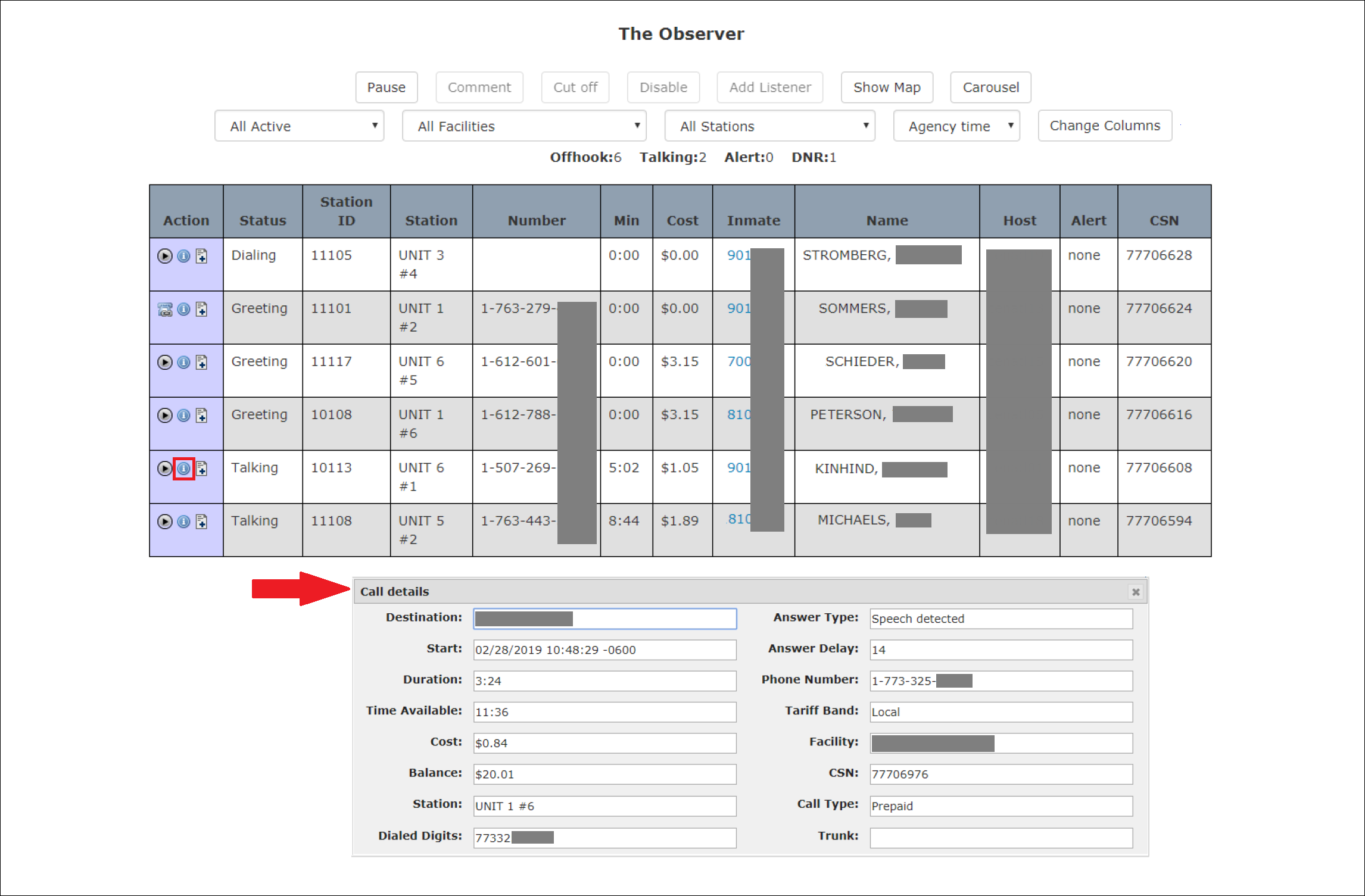
The Call Details includes the CSN field for the call, which you can use to access the complete call record later. For more information, see Inmate Information.
The Destination field displays the city and state where the called party phone is located. If the inmate call is being placed to a cell phone, the Destination field displays the GPS coordinates where the phone is currently located (if available).
Depending on the number of calls displayed, the Call Details pane may overlay other calls of interest to you. If you want to move the Call Details pane, hover and hold down your mouse button anywhere in the top banner of the Call Details pane and drag it to move the pane to another area of your screen. To close the Call Details pane, click  in the upper right corner.