Creating a New Number Detail Record
To create a new Number Detail Record, click Create New Global Number.

The ENFORCER® displays a new Number Detail Record, as shown in the following example. Since the phone number is brand new, no fields are completed, no options are selected or specified, and no notes exist.
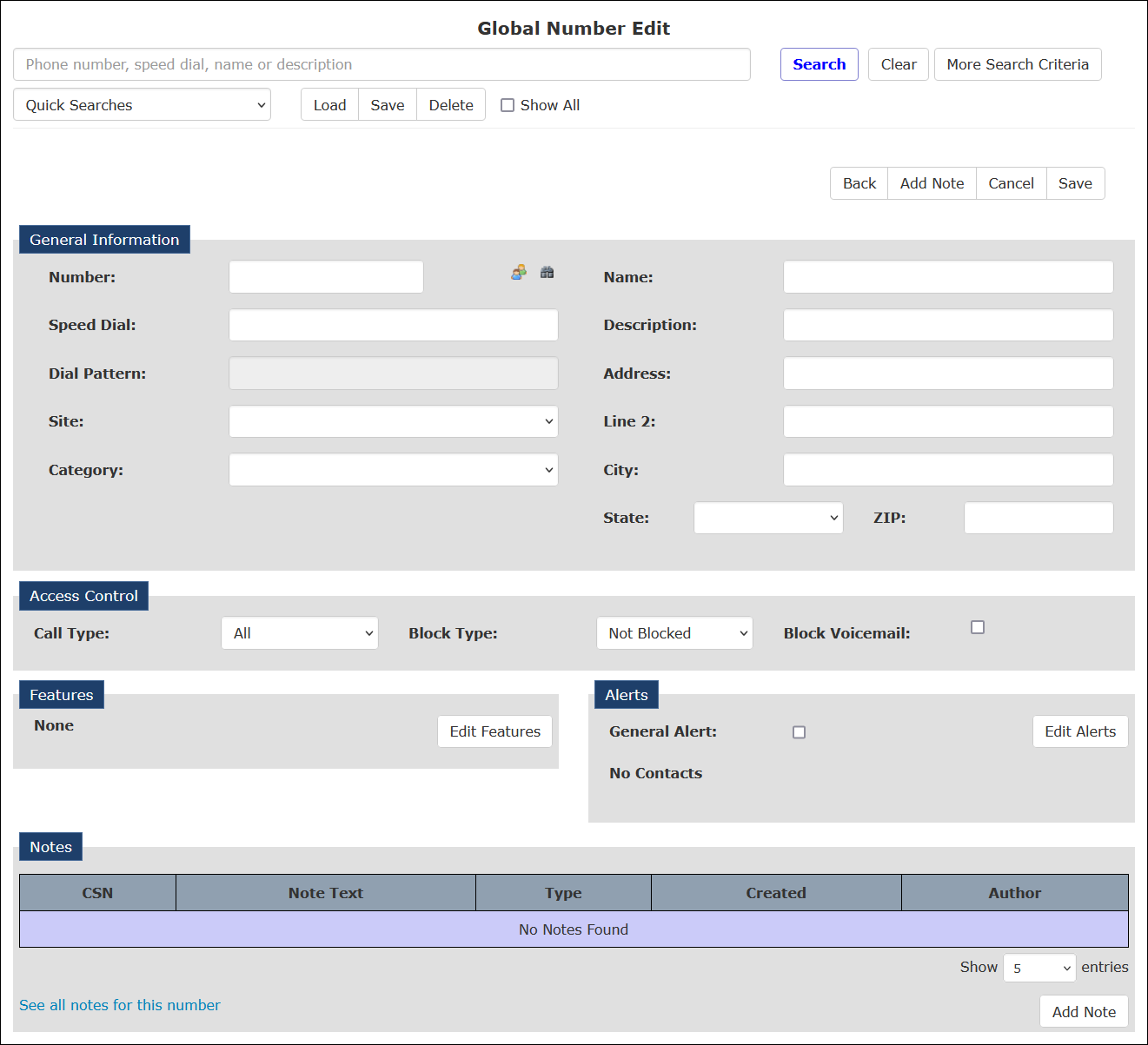
To create a record for the new number, enter the number in the Number field and click Save Changes.
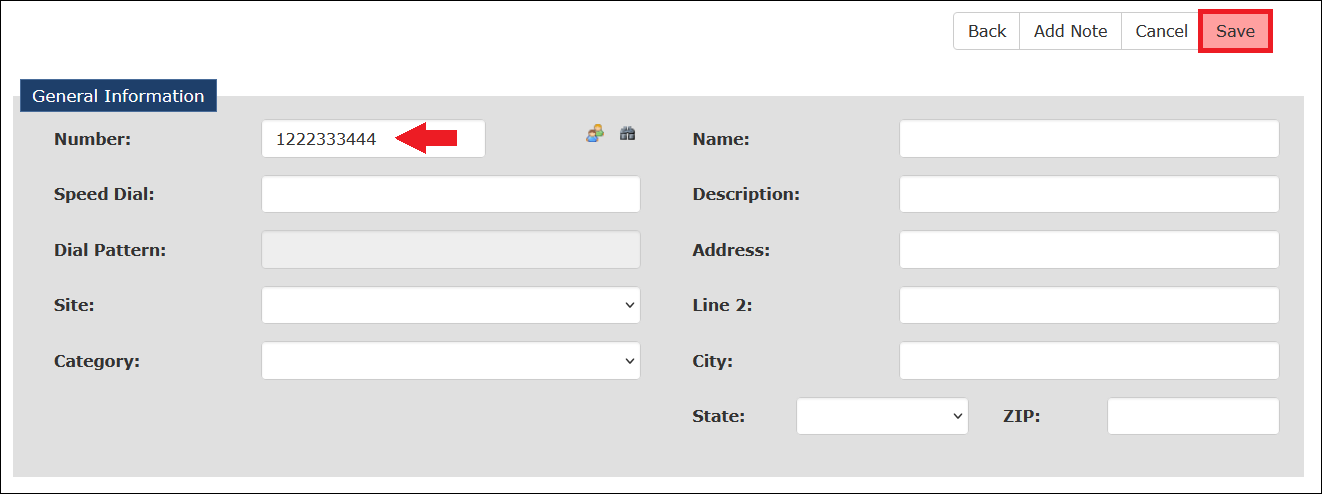
You must type in a 1 before the 10-digit phone number to create a new Number Detail Record.
After you save a new Number Detail Record, you can reaccess it to customize the phone number. The following articles provide more information on completing this page to customize a new Number Detail Record.