Burning Call Recordings
After you have performed a Call Records search, you can click Burn / Download to burn call recordings to a CD or DVD.

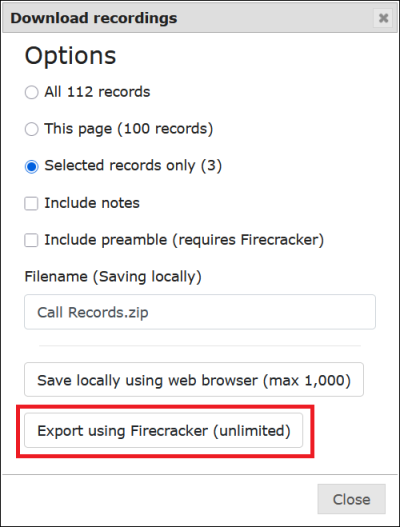
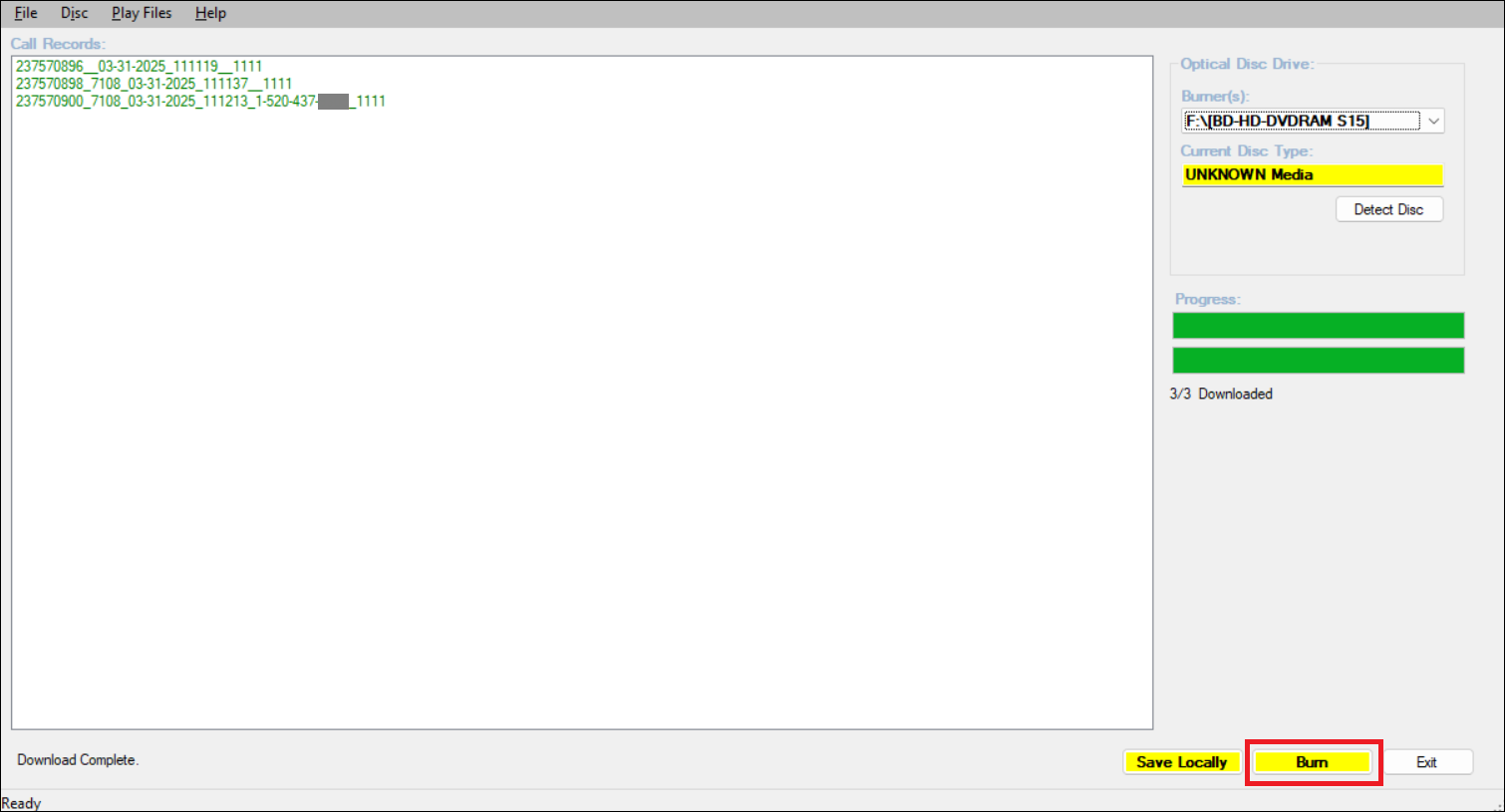
After you select the call records you want the recordings for and then click Export using Firecracker (Unlimited), the ENFORCER® opens the Firecracker application window.
Click Burn in Firecracker.
Opening the Firecracker application is the best method to use if you want to download many recordings. If you want to burn a single call recording, using the Web Player is the easiest available method.