Viewing a Number Detail Page Change History
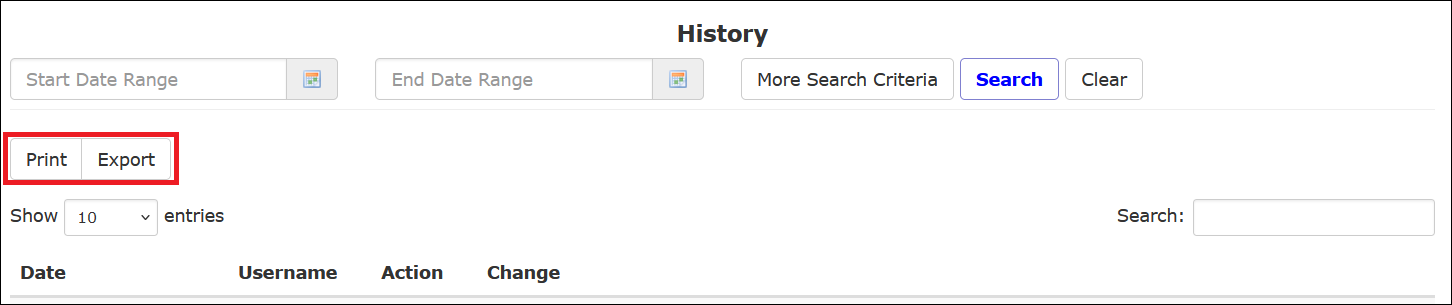
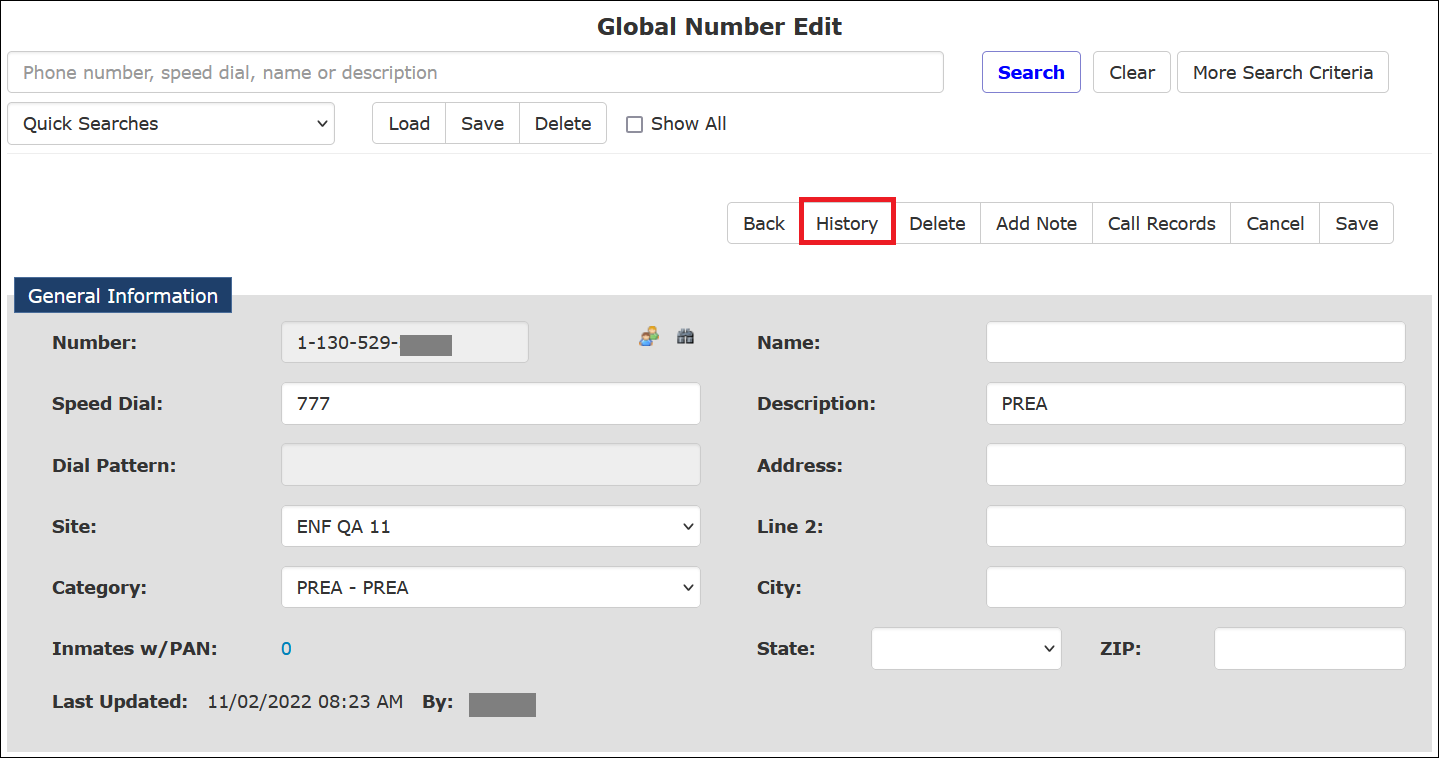
An authorized user can access a change history log for a Number Detail record by clicking the History button at the top of the Inmate Detail page for the desired inmate. This action opens a separate tab in your browser for the History page. This tab displays a detailed line item for each change to the Number Detail Record.
The History page shown in the following example opens in a separate tab in The ENFORCER®. After viewing it, you must close the tab manually.
To save information on the History page, click Export or Print. If you click Export, the file may be displayed in minimized format at the bottom of your screen, or you may have to select what you want to do with the file. If you click Print, a standard print dialog opens where you can print the displayed History.